
Walk the site. Send the report that keeps people safe.
Photos and notes become draft findings you review, then a PDF or Word report you can send. One workflow across inspection types.
Free to draft · No credit card
Build and preview your report free.
Download PDF + Word for €9.95 — taxes included worldwide. No subscription required.
View a finished sample report (opens in a new tab)How it works
From site photos to a finished report
No templates to fill in by hand. Draft findings from your evidence, review them, then export when the report is ready.
Step 1
Upload photos
Drop in site photos and field notes straight from your phone.
Step 2
AI drafts findings
Descriptions and recommended actions drafted from your evidence — you stay in control.
Step 3
Export PDF or Word
Review every finding, then download a report ready to share.
See it work
From site photos to a report you can send
Scroll through a real inspection: Northgate Logistics Hub — Phase 2, 12 photos in, 20 reviewed pages out.
New report
Project name
Northgate Logistics Hub — Phase 2
Lead inspector
J. Eriksson, EHS Manager
Date
27.07.2026
Location
East Midlands, United Kingdom
12 photos
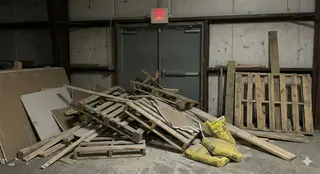
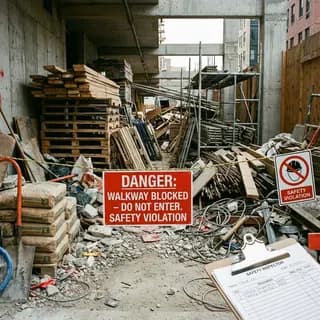
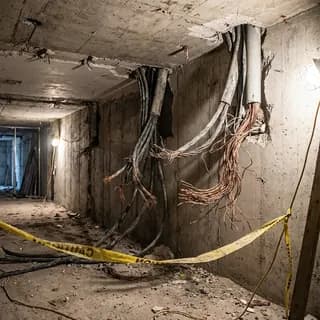
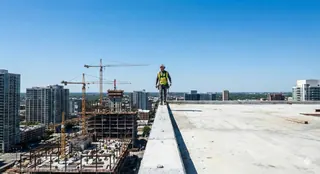
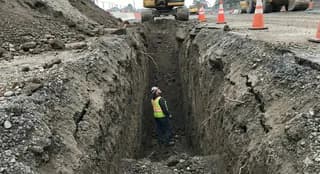
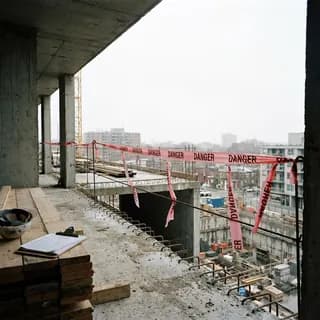

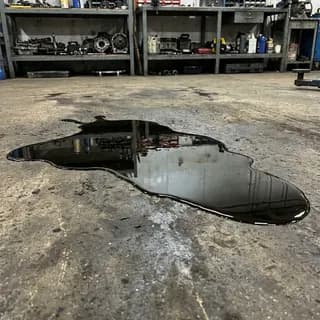
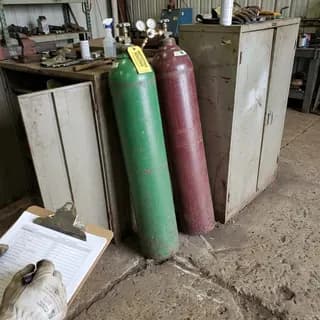
Site notes
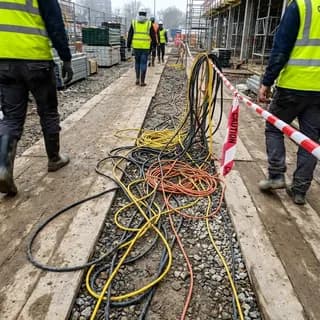
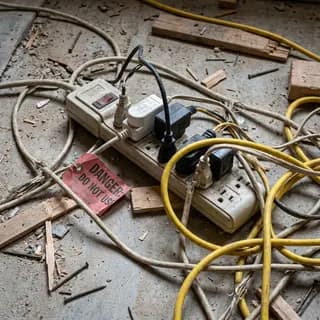
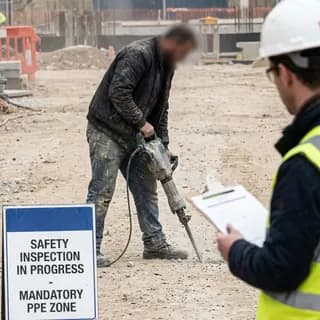
Phase 2 walk-through, 27/07. Roof crew working close to the edge with no harnesses. Trench at grid N4 still open with one operative inside and no shoring. Scaffold on the east elevation has cracked planks and missing bracing. Blue ladder tagged DO NOT USE in 2023 is still sitting in the storage area. Toolbox talk attendance sheet complete, safety point fully stocked, pedestrian routes well segregated.
Step 1 of 5: Start with what you already shot
Step 1 of 5
Start with what you already shot
Add the photos from your walk-through and the notes you typed on your phone. There is no template to choose and no checklist to fill in first. Northgate Phase 2 went in as 12 photos and one paragraph of notes.
Step 2 of 5
AI drafts the findings
It reads every photo alongside your notes and drafts each finding with a severity, a category, a location, an owner, and a corrective action. Northgate came back with 17 findings, including the ones that only appeared in the notes.
Step 3 of 5
You review and edit every finding
Reword the observation, change the severity, reassign the owner, or delete a finding outright. The draft is a starting point — nothing reaches the report until you have approved it.
Step 4 of 5
Pin findings to the site plan
Upload a floor plan or site drawing and drop each finding where you found it. The map and its legend are exported with the report, so whoever picks up the action knows exactly where to go.
Step 5 of 5
Export a report you can send
One finding per page with the observation first and its photo evidence below, then an action item summary and the pinned site map. Northgate exports as 20 pages of PDF or Word.
Built by someone who's done the job.
A founder with two decades on real sites, and a company that keeps your data safe.

Construction safety engineer with 20 years in the field. The regulations this product drafts around are the ones he worked under on real sites.
EU-first from day one
Built in Estonia. GDPR by default. Drafts can reference AFS, EN, and ISO standards — you review every finding before export.
Your data is not the product
We don't resell your photos. We don't train models on your sites. Export to PDF or Word — no watermark, no lock-in.
For working inspectors
Use the same reporting flow across inspection types
Start from photos and field notes whether you are documenting a site walk, facility condition, equipment check, or follow-up inspection.
New to AI-assisted reporting? Read the free AI for Construction Safety playbook — the FIELD method for field capture and a seven-point human review gate.
Pricing
Free to build. Pay only when you export.
Start drafting now. Choose pay-per-export or Unlimited when a report is ready to share.
Free
€0
Build, edit, and share online
- Build and edit inspection reports
- AI drafting from photos and notes
- View and share reports online
- Web & mobile access
Guests: 3 reports/day · signed in: up to 10/hour
Start free →Pay-per-export
€9.95/report
One worldwide total · taxes included · pay once · re-download anytime
Everything in Free, plus:
- PDF export
- Word export
Popular
Unlimited
€29/mo
Taxes included · cancel anytime
Everything in Pay-per-export, plus:
- Unlimited report exports
- White-label (no branding)
- Priority support
€9.95/report
3 exports = €29.85
€29/mo
Cheaper from your 3rd export
Questions
What to know before you start
Can I start without creating an account?
Yes. You can build, preview, and purchase a one-report export without creating an InspectionReport account. Paddle asks for an email to send the payment receipt. An account is optional and helps you keep reports across devices.
What does the AI do?
AI uses your uploaded photos and notes to draft findings, descriptions, and recommended actions. It is a drafting aid: you remain responsible for reviewing, editing, and approving every finding before sharing the report.
Which formats can I export?
Paid exports are available as PDF and Word documents. Word is useful when you want to make additional edits outside InspectionReport.
How does pricing work?
Building and previewing a report is free. Export one report as PDF or Word for €9.95 including taxes worldwide, or choose the €29/month Unlimited plan for unlimited exports while your subscription is active.
Can I use the report as-is?
You should review the full report before use. Confirm the observations, severity, actions, names, dates, and any references against what you observed and the requirements that apply to your site.
Turn your inspection photos into a report you control
Start with your evidence, review every drafted finding, and pay only when the report is ready to export.